デザインモジュール一覧
全モジュールを4グループ(共通UI/記事用/エリア・ホテル用/ホームページ用)で収録。例は英語(実コンテンツ)、注釈は日本語。状態(hover/focus/active/disabled)は States、トークン値は Style Guide、ページ構成は Templates を参照。
共通UI
全ページ共通のシェルと基本部品。マストヘッド・フッター・ボタン・リンク・ラベル類。
ヘッダー / マストヘッド
.mastheadゴールドのヘアライン+中央ロゴ+タグライン。sticky で画面上部に固定。スクロールしても残る。用途:全ページの共通シェル。
状態:ロゴに hover(色変化なし)・focus。詳細は States。
デスクトップナビ
.main-nav水平ナビ。hover でゴールド下線+薄いゴールド地。現在ページは aria-current="page" でゴールド下線。
状態:hover(ゴールド下線+accent-soft 背景)/focus-visible(ネイビーリング)/aria-current(ゴールド下線)。
モバイルナビ
.nav-toggle + .main-nav.open720px 以下で水平ナビを畳み、Menu ボタンで開閉。ボタンは aria-expanded を更新。開くと縦積みのフルワイドリスト。
HTML / JS
<button class="nav-toggle" aria-expanded="false" aria-controls="primary-nav">Menu</button>
<nav class="main-nav" id="primary-nav">…</nav>
// JS: toggle 'open' + aria-expanded
状態:開閉は aria-expanded で同期。リンクは最低 48px のタップ領域。
パンくず
.crumbsHome › セクション › 記事名。現在地は aria-current で区別。記事ページの先頭に配置。
スキップリンク
.skip-linkキーボード利用者向け。Tab でフォーカスされたときだけ表示し、本文へジャンプ。
<a class="skip-link" href="#main">Skip to content</a>フッター
.footerネイビー地・白文字。ロゴ+タグライン+ポリシーリンク+コピーライト。リンク hover はゴールド。
ボタン
.btn / --primary / --gold / --outline / --sm / [disabled]ピル型(999px)。primary=ネイビー、gold=ゴールド、outline=枠のみ。同一ビューポートに solid primary は1つまで。disabled は opacity のみ下げる。
HTML
<a class="btn btn--primary" href="#">…</a>
<a class="btn btn--gold" href="#">…</a>
<a class="btn btn--outline" href="#">…</a>
<a class="btn btn--gold btn--sm" href="#">…</a>
<a class="btn btn--primary is-disabled" aria-disabled="true">…</a>
状態:hover(ネイビー⇄ゴールド反転)/focus-visible(リング)/active(1px 沈み)/disabled(opacity .45)。視覚は States。
テキストリンク / 外部リンク
.text-link / .ext-link本文中のリンクはネイビー+下線(hover で色不変・下線維持)。外部リンクは末尾に ↗ を付ける。
Read the full Akihabara guide for hotel picks.
See the JR East website for timetables.
バッジ
.badge「Our pick」等の強調ラベル。ネイビー地・白文字・全キャップス。
チップ / タグ
.chip / .chip--fill設備・属性の小ラベル。–fill は薄いゴールド地で強調。
更新日 / 著者メタデータ
.byline / .art-meta更新日・著者・所要時間を並べる。アバターはイニシャル。
アフィリエイト開示
.affiliate-note記事末尾の開示文。上部にヘアライン区切り。
Some links on this page are affiliate links. We may earn a commission if you book through them, at no extra cost to you.
出典 / 参考ブロック
.source-block情報の出典・参考文献。ネイビー左罫(角丸なし=編集ライク)。
- JR East — Yamanote Line fares and first/last trains
- Verified on-site July 2026
記事用モジュール
記事本文を構成するブロック。720px のナローカラム(.wrap-narrow)に収める。
記事ヒーロー
.art-hero記事冒頭の大画像(16:9)+キャプション。
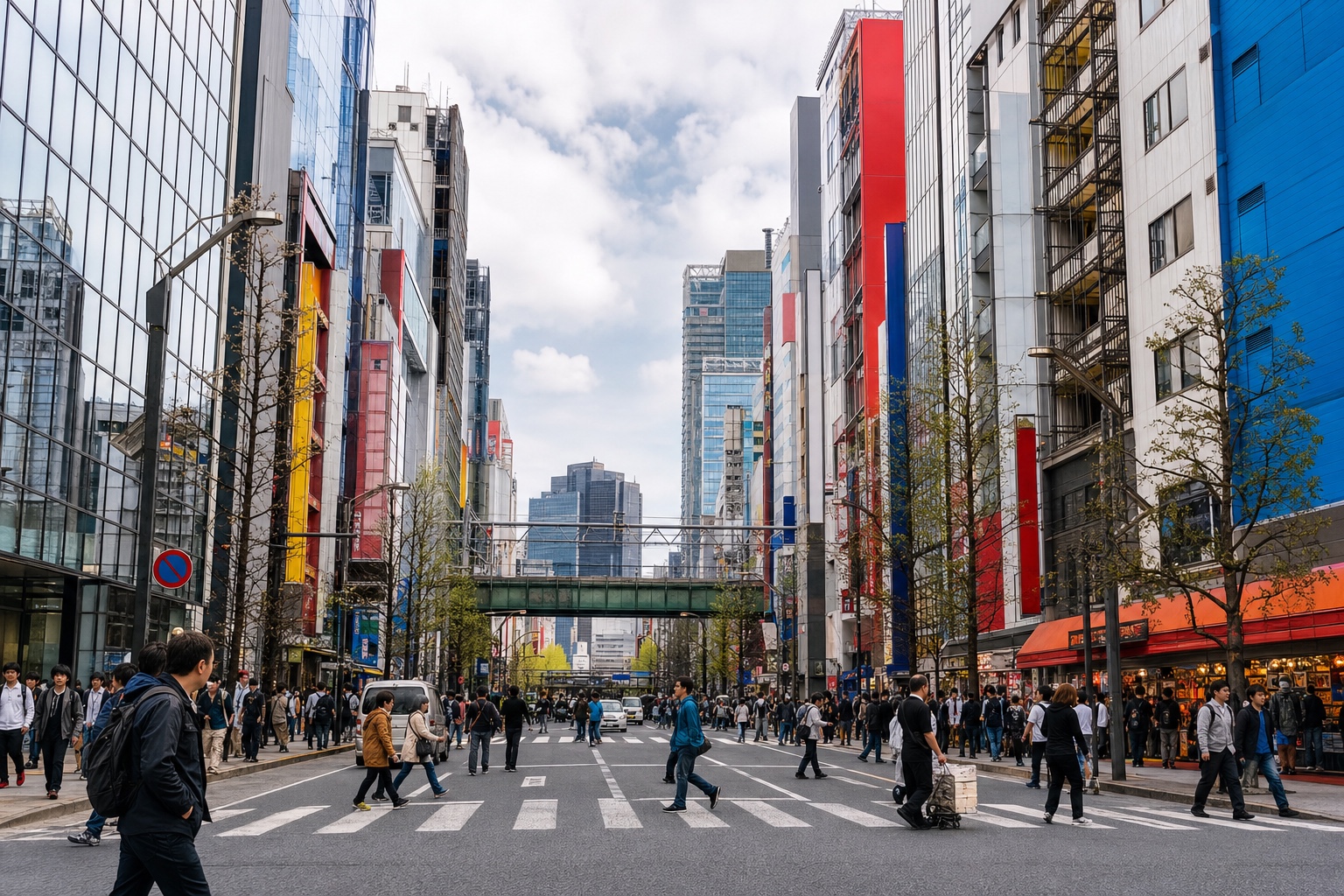
記事ヘッダー
.art-head / .art-kicker / .art-title / .art-sub / .art-metaキッカー→タイトル→サブ→メタの中央寄せ。
Akihabara Hotel Base Guide
Electronics, anime, and useful rail connections.
セクション見出し / キッカー
.art-body h2 / .kickerH2 はヘアライン+ゴールドチック。上にキッカー(全キャップス)を置ける。アンカー用に scroll-margin-top を適用済み。
Why stay in Akihabara
リード文
.lede冒頭の導入文。Playfair で一段大きく。
Akihabara reads as a day-trip stop, but as a base it quietly solves several Tokyo problems at once.
プルクォート
.pull強調引用。中央寄せ+大きなゴールド引用符。
Pick the right base and Tokyo shrinks.
コールアウト
.callout / --tip / --warn / --note4種:Good to Know(既定・ゴールド左罫)、Tip(薄ゴールド地)、Warning(赤系)、Editorial Note(ネイビー左罫)。
Rates are weekday-sensitive.
Shop after 8pm to dodge crowds.
Last train is earlier than it looks — check the board.
Verified on-site, not from a press release.
チェックリスト
.checklist手順・持ち物・おすすめの列挙。丸チェックマーク(ネイビー)。
- Go with a list.
- Keep your passport for tax-free.
比較テーブル / レスポンシブテーブル
.tbl / .tbl-responsive左列を太字、ヘッダーはネイビー罫。狭い画面で横スクロールが必要な場合は .tbl-responsive で包む。
| Category | Room size | Best for |
|---|---|---|
| Budget compact | Compact | Short stays |
| Bath-focused | Medium | Unwinding |
FAQ アコーディオン
.faq / .faq-item / .faq-answerネイティブ details/summary で実装。初期表示は閉じた状態(open属性なし)。開くと+が回転。Open状態の見本は States。
Do I need both Suica and Pasmo?
Is Akihabara quiet at night?
HTML
<details class="faq-item">
  <summary>Question</summary>
  <div class="faq-answer">Answer</div>
</details>
関連ガイド
.related / .rel-grid / .rel-card記事末尾の関連リンク3点。
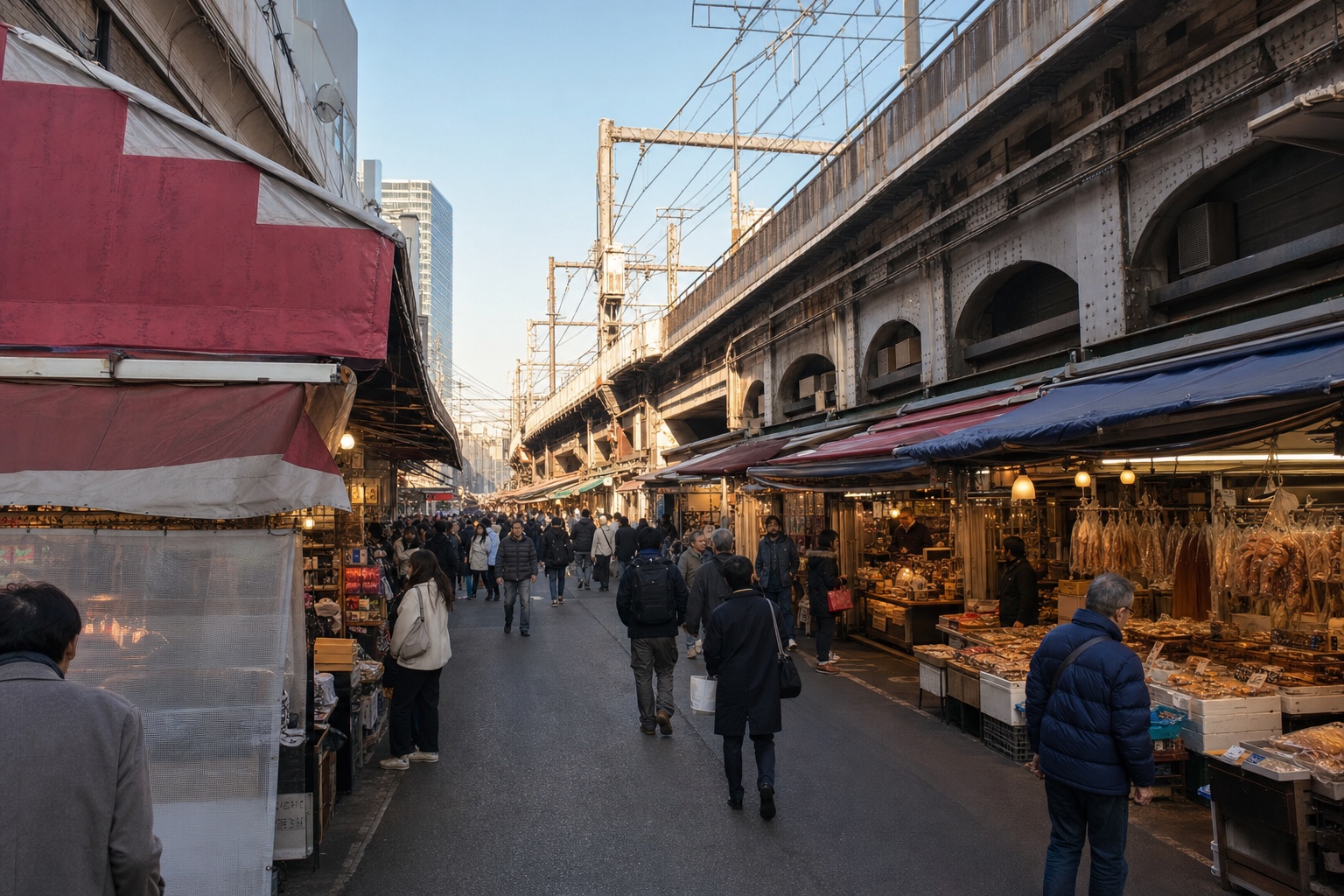

CTA バナー
.cta-banner記事末尾のネイビー全幅バナー。タイトル+補足+ゴールドCTA。
マップ埋め込み
.map-fig / .map-frame / .map-openGoogleマップ iframe か地図画像を 16:9 に収める。下にキャプション+「Googleマップで開く」。
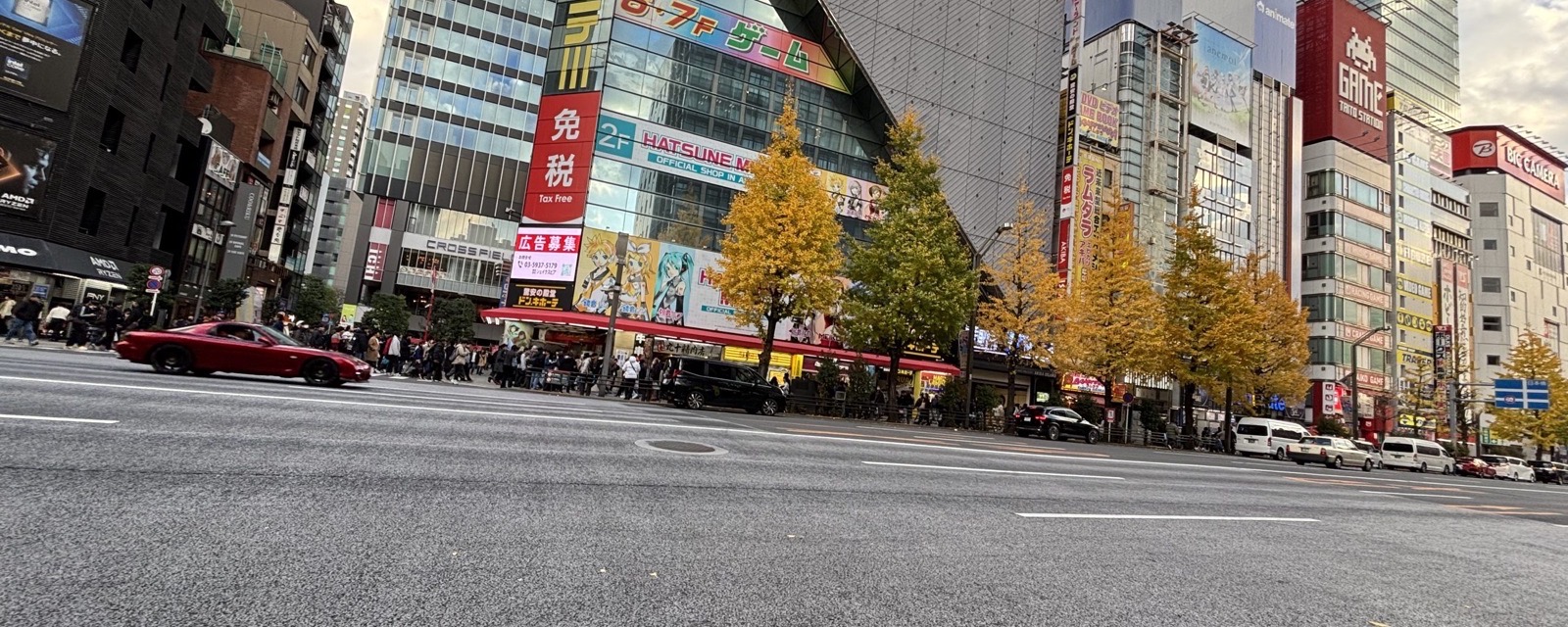
画像+キャプション / クレジット
.art-fig / .img-credit本文中の画像。alt 必須。写真のクレジットは右寄せの .img-credit。
空状態 / エラー状態
.empty-state / .error-state検索結果なし・データ未取得など。破線枠+案内。error は赤系の枠。
Try a broader area or clear the filters.
We couldn’t load the map. Try again in a moment.
エリア・ホテル用モジュール
エリアガイドとホテル推奨の中核。Hotel Card は WordPress エリアページ仕様(評価・場所・地図・タグ・部屋・欠点・予約CTA)に対応。
エリアヒーロー
.area-hero横長のエリア画像+角にフロストのタイトルカード(左上/左下に固定・枠内に収める)。
Electronics, anime, and useful rail connections.
クイックナビ
.quick-navページ内アンカーへのピル型ナビ。目次代わり。
エリアサマリー
.area-summary「一覧で把握」用の4マス統計(駅・主要路線・価格帯・最寄り)。モバイルは2列。
ホテルカード
.hotel-card / --featured / --text / --compactWordPress エリアページ対応。必須7項目:⭐評価・📍場所・🗺️地図・🏷️タグ・部屋情報・欠点・予約CTA。variant:featured(ゴールド枠)、text(画像なし)、compact(1列・密)。
-
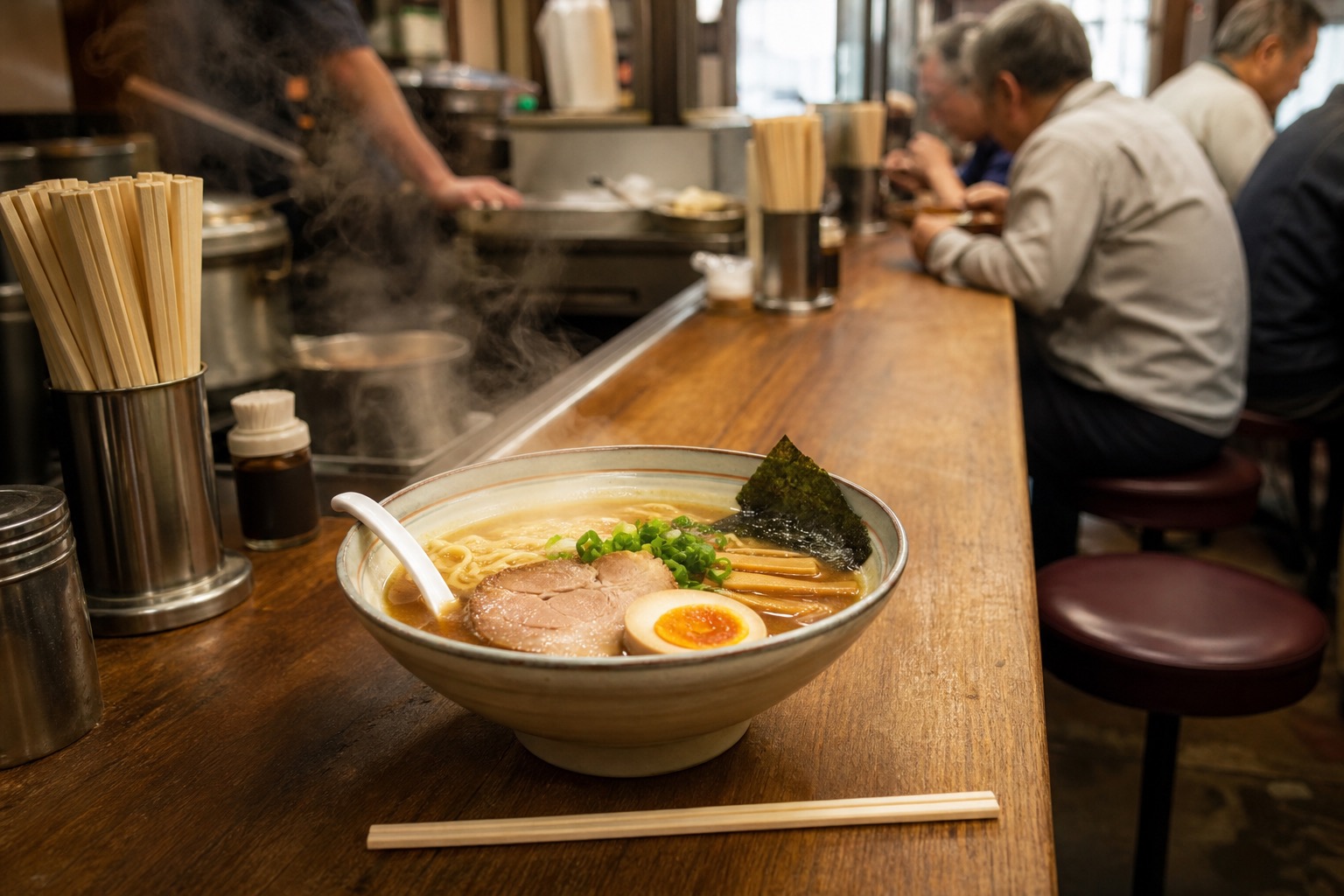 Bath-focused chain — UenoOur pick
The on-site bath turns a long day on foot into a recovery routine.
- Public bath
- Near station
- Quiet floor
Room: Medium · Bed: Double · Bath: on-siteTrade-off: rooms run small for the price — book the medium tier.
-
Standard business chain — Ginza
The workhorse category — location matters more than brand.
- Quiet floor
- Desk & LAN
Room: Compact · Bath: shower
HTML
<li class="hotel-card hotel-card--featured">
  <div class="hc-media"><img src="…" alt="…"></div>
  <div class="hc-body">
    <div class="hc-top"><div class="hc-name">…</div><span class="badge">Our pick</span></div>
    <div class="hotel-facts">⭐ 4.6 · 📍 Ueno · 🗺️ <a>Map</a></div>
    <p class="hc-blurb">…</p>
    <ul class="hc-chips"><li class="chip">…</li></ul>
    <div class="hc-specs">Room: Medium</div>
    <p class="hc-tradeoff"><strong>Trade-off:</strong> …</p>
    <div class="hc-foot"><a class="btn btn--gold btn--sm">Check rates</a></div>
  </div>
</li>
状態:hover(持ち上げ+影)/focus(カード内リンクのリング)。variant の見た目は States。
ホテルファクト行
.hotel-facts / .hc-rating評価・場所・地図・タグを一行に。ホテルカードのメタや独立ブロックに使う。
ホテル 長所・短所
.pros-consPros/Cons の2カラム。チェックとダッシュで色分け。モバイルは1列。
- On-site public bath
- 4 min from station
- Rooms run small
- No parking
駅アクセスブロック
.station-access主要駅・路線・所要時間の要約。エリアガイドの交通節に。
近隣エリアリスト
.nearby近隣エリアへのテキストリンク列。右に矢印。
エリアディレクトリ / マップCTA
.dir / .dir-grid / .map-open全22エリアのリンク一覧(4列)。地図への導線は .map-open を併用。
ホームページ用モジュール
ホーム(coverstoriess-home.html)専用のカード群。定義は同ファイルの inline CSS にあります(coverstoriess-home.html を参照)。
エリアカード
.card (homepage)画像+キッカー+タイトル+説明+「Read the guide →」の縦型カード。hover で持ち上げ+画像ズーム。
定義:coverstoriess-home.html inline CSS。hover/focus は States。
特集エリアカード / イントロブロック
.feature (homepage)初訪日向けの大型特集(左テキスト+右画像)。CTA は1つ。
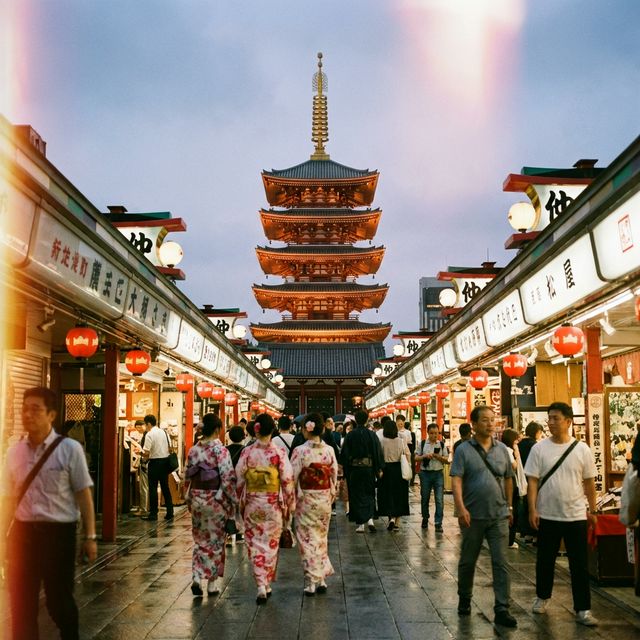
ホテルチェーン特集
.chain-feature (homepage)画像+テキスト+チップ+CTA の横型特集。
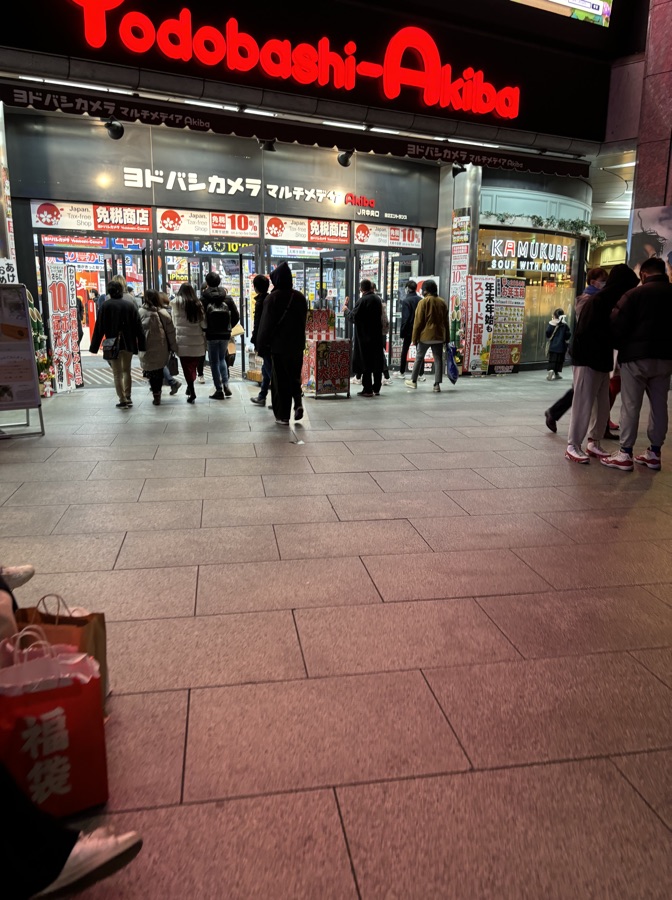
交通ガイドカード
.t-card (homepage)モノラインアイコン+タイトル+説明の小カード。
ショップ / レストランカード
.shop-card (homepage)画像+角にフロストのラベルカード。
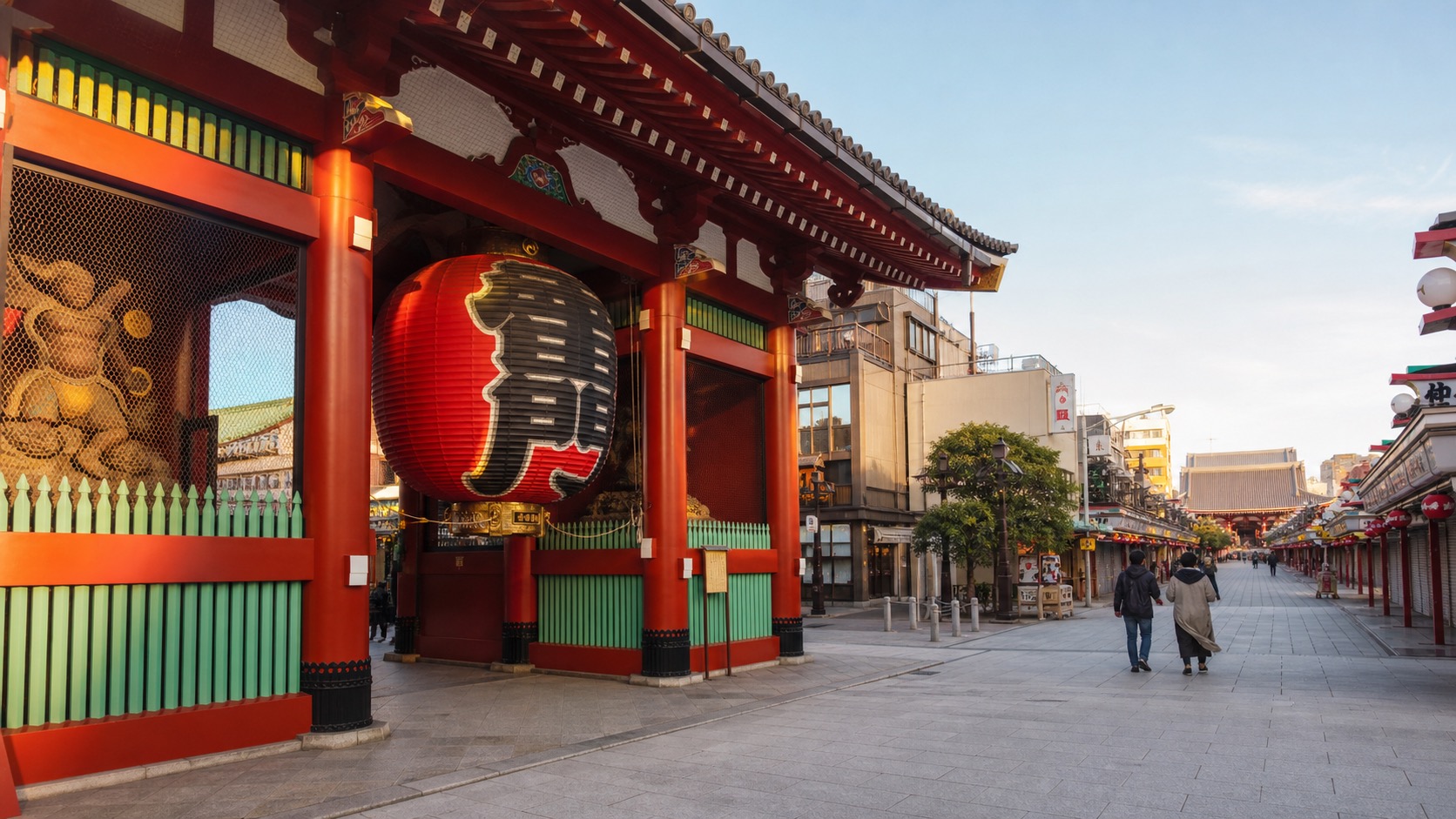
大型エディトリアルCTA / 関連カテゴリ
.cta-banner / .rel-grid (homepage)カテゴリ間の導線。CTA バナー(#24)と関連カード(#23)をホームでも再利用。